One shared plan, zero-effort weekly reports — synced live with Jira.
Your whole team edits one live Gantt, and the weekly status report builds itself from Jira — no spreadsheets, no copy-paste. Import a task list, drag to schedule, and the report is ready when you are.
Already signed in? It opens straight away. New here? Ask an admin for Plans-only access — you don't need to join a team.
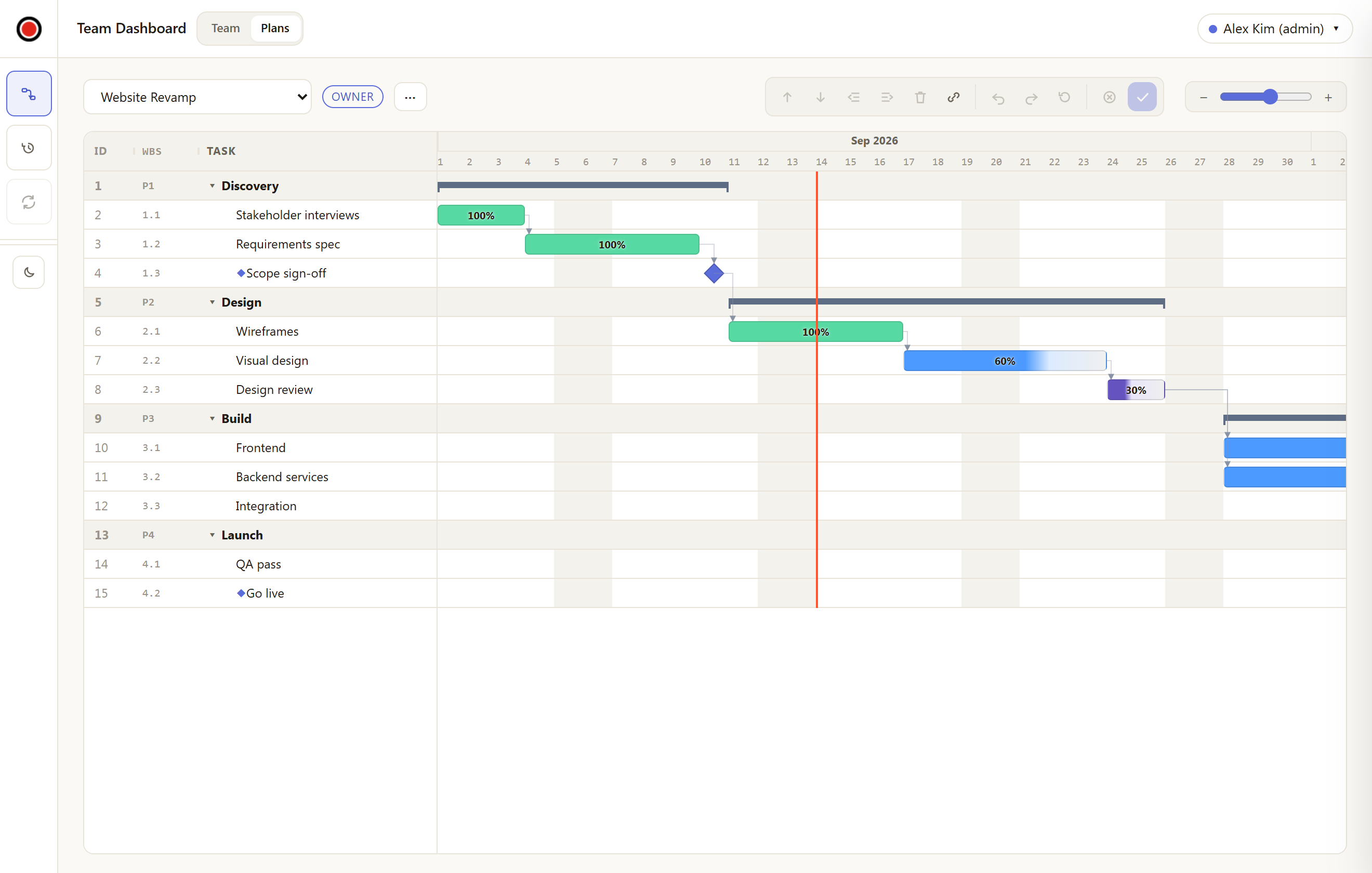
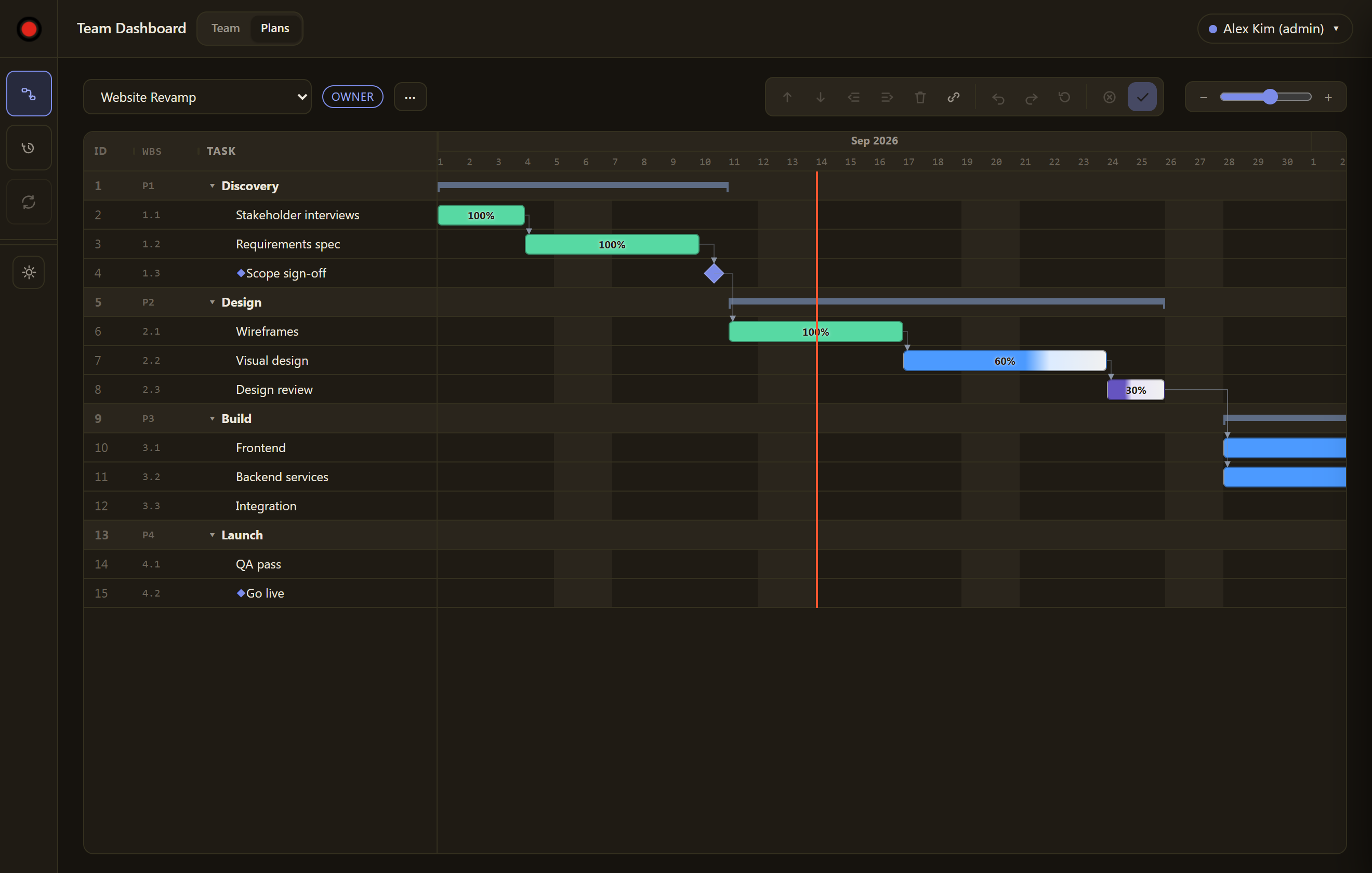
From empty plan to a scheduled Gantt in five moves
Every edit re-schedules the plan live, so downstream tasks shift as you work.
Create a plan
Open the ⋯ menu → New plan… (name + start date), or Import MS Project / backup… from an MS Project XML export or an iPlanner backup (.iplanner.json).
Add phases & tasks
Group work under phases (P1, P2). Tasks auto-number 1.1, 1.2 and renumber themselves when rows move.
Set duration & links
Give each task a duration in working days and list its predecessors by ID. Duration 0 = a milestone diamond.
Let it schedule
The planner computes every start and finish — first working day after predecessors finish, skipping weekends and holidays.
Drag & save
Drag bars to move or resize, drop the edge dot on another bar to link it. Edits stage as a draft until you press Save.
Weekly status writes itself
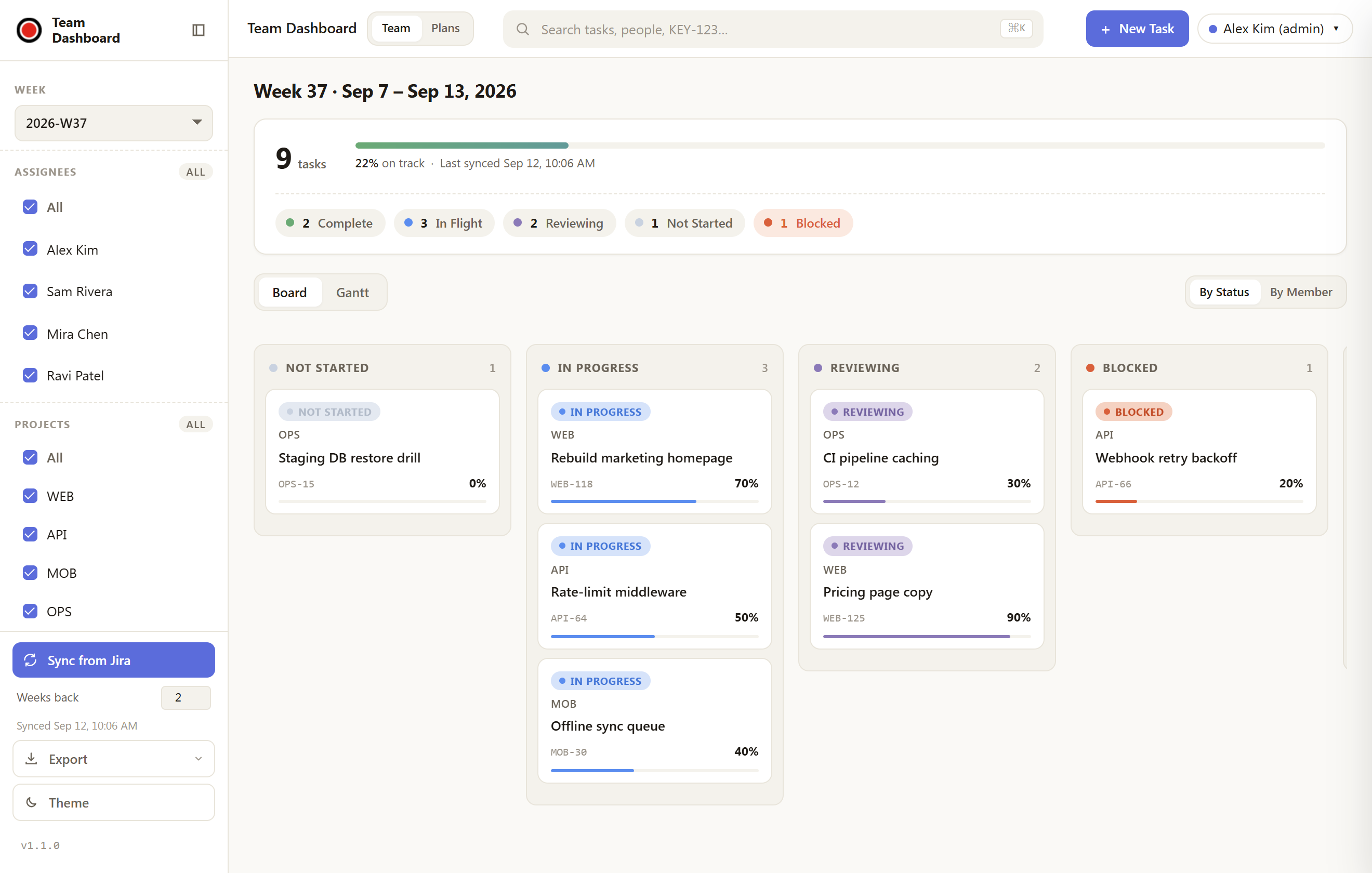
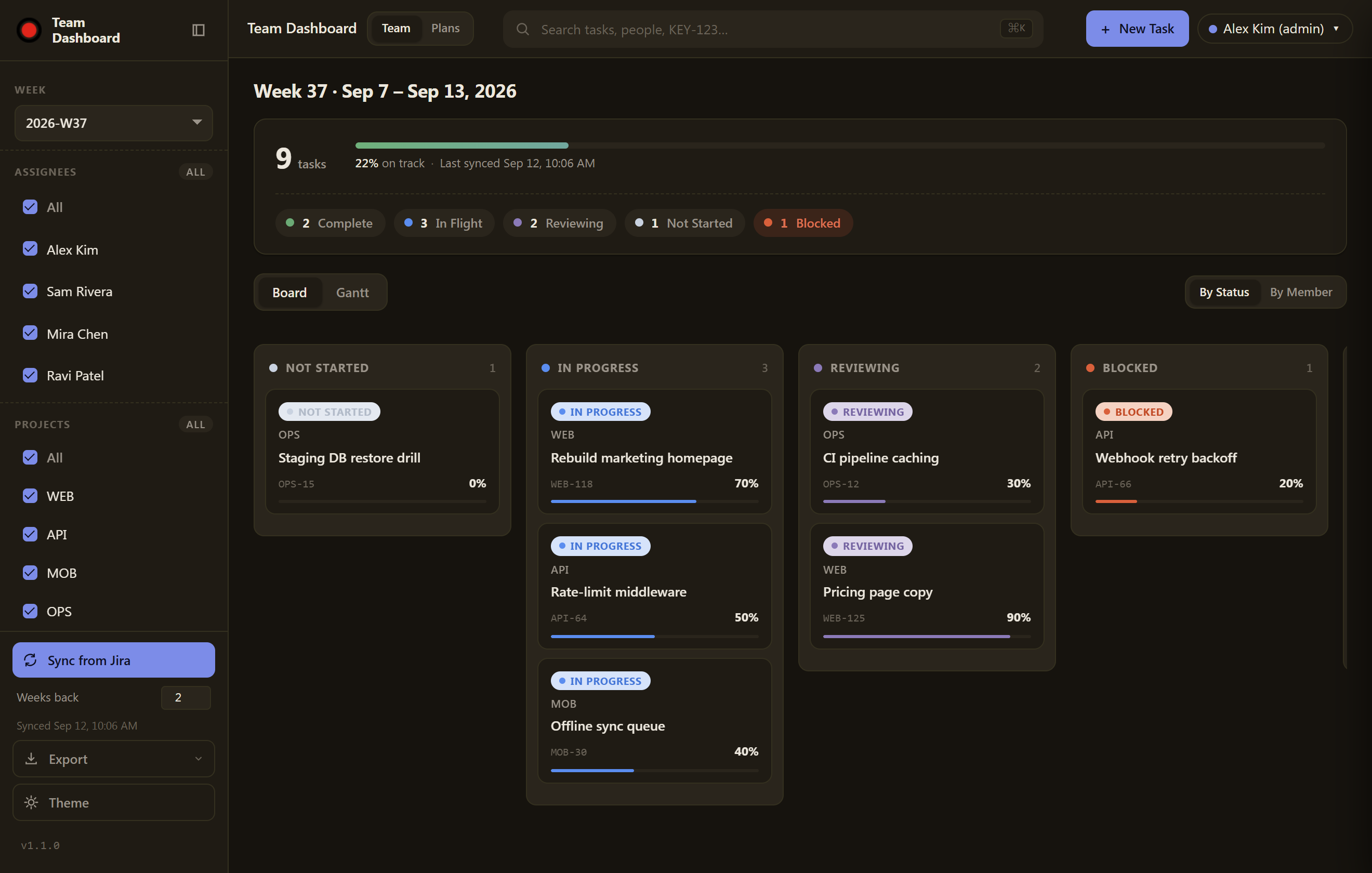
The other half of the app. Pull every team member's work from Jira with one click, watch it land on a live board, and ship the weekly report without hand-assembling anything.
- One-click Jira sync — assigned bugs and self-created tasks, pulled per member into a weekly snapshot.
- Live board & Gantt — group by status or member, filter by project or assignee, at a glance.
- Export in a click — a formatted Excel report (with its own Gantt) and a ready-to-send summary email.
A real planner, not a static chart
MS-Project Gantt
Task bars, milestone diamonds, and slim phase summary bars — colored by status, filled by progress.
Working-day scheduler
Durations count real working days. Weekends and configured holidays are skipped, and the whole plan re-flows on every change.
WBS phases
Collapsible phase rows with auto WBS numbering. Move a phase and its tasks renumber themselves.
Dependency arrows
Drag from a bar's edge onto another to link them; click a line to remove it. Successors move automatically.
Jira link & sync
Bind a plan to a Jira project — phases become epics, tasks become issues. Push on save, pull on sync, see drift flagged.
Share & roles
Owner, editor, viewer per member. Concurrent saves merge; genuine conflicts get a clear take-theirs / keep-mine dialog.
Keep Jira in step
- Link once: root phases map to epics, tasks to issues.
- Every save pushes changes to Jira; Sync pulls them back.
- When plan and Jira dates diverge, the task shows a drift flag.
- Saving never fails on Jira — you get warnings, not a wall.
Share in realtime
- The whole team works the same live plan — the editor polls every 30s and shows "Updated by NAME" the moment a teammate saves.
- Non-overlapping edits merge automatically; a real clash gets a clear take-theirs / keep-mine dialog — never a lost change.
- Set a default role for the team plus per-member overrides.
- Viewers get a clean read-only Gantt — no drag handles, no Save.
Ready to build your first plan?
Open the planner, hit New plan…, and drag your way to a schedule your whole team can read.
Not on a team yet? Ask an admin for Plans-only access — that's all you need to start.